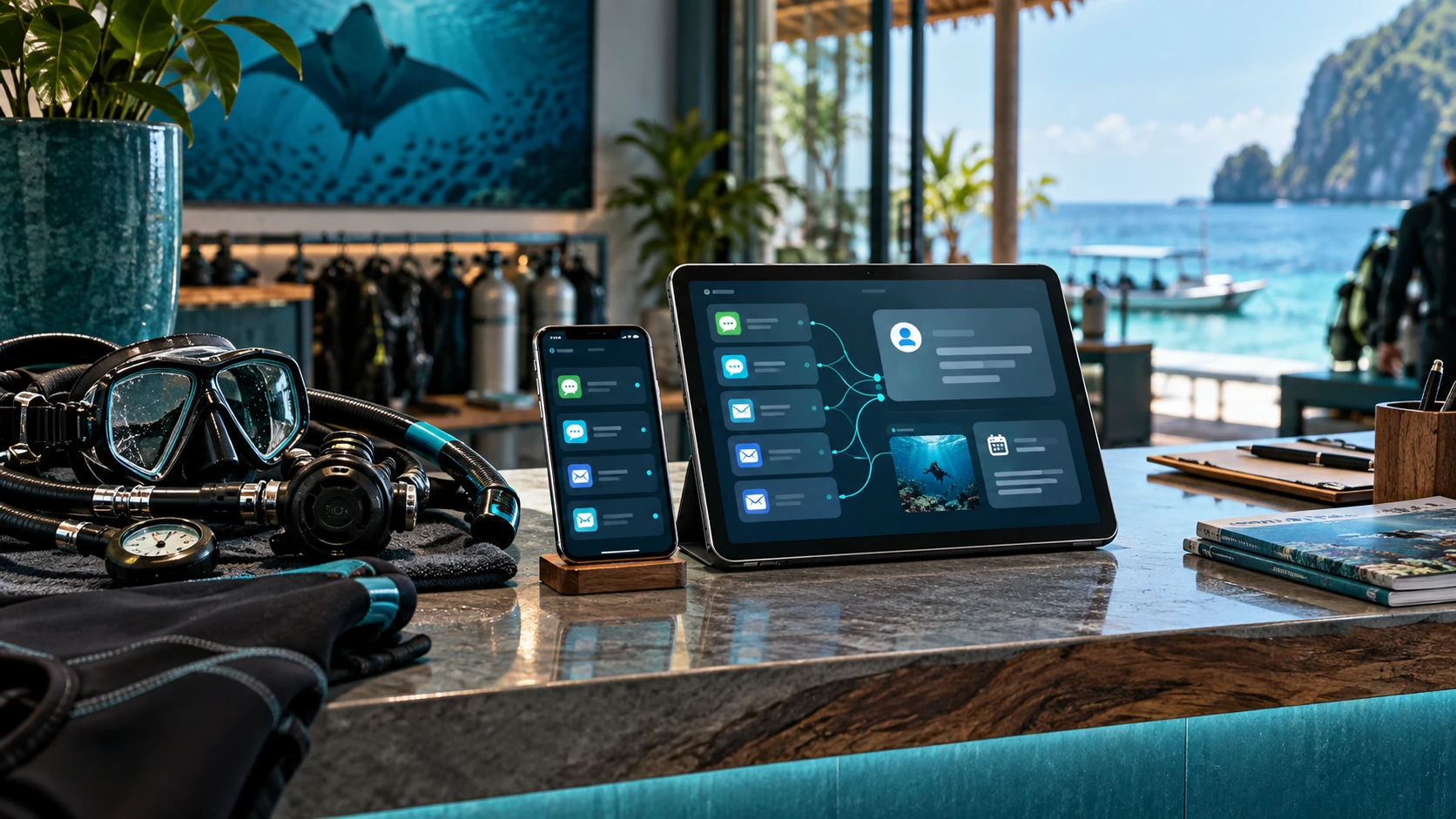
The front desk is not just a chat window
In a dive center, the front desk connects guests, instructors, boats, equipment, schedules, and safety boundaries.
That is why an AI-supported enquiry workflow should not be a generic chatbot that answers everything on its own.
The useful version is more practical: it prepares the work behind the reply.
What AI can prepare safely
An AI-supported enquiry workflow can help with repetitive, structured work:
- identify whether the guest asks for a course, fun dive, refresher, private trip, or liveaboard information
- extract dates, party size, language, certification level, and equipment needs
- list missing details
- draft a helpful reply
- suggest the next internal action
- flag sensitive topics for human attention
This can save time without handing over the final decision.
What should remain human
Some decisions should not be automated by a front desk AI:
- medical clearance
- weather or sea condition decisions
- dive site suitability
- certification acceptance
- boat capacity and final booking approval
- safety-critical advice
AI can flag these topics. It should not approve them.
Why human review is a feature, not a limitation
Human review makes the system trustworthy.
Dive teams need consistent replies, but they also need context. A returning guest, a nervous beginner, a strong current, or a language concern can change the right answer.
The best workflow is not “AI sends everything.” It is:
- AI structures the message.
- AI prepares the draft.
- The team checks the context.
- The team sends the final answer.
DiveOS starts with controlled operations
DiveOS is designed around this human-in-the-loop model.
The first value is not full automation. The first value is better prepared work:
- fewer missed details
- faster reply preparation
- clearer internal handoff
- less repetitive admin pressure
That is the right foundation before deeper integrations.
Answer Block
An AI-supported enquiry workflow for dive centers should prepare the work around enquiries, not replace the team. It can identify intent, missing details, useful follow-up questions, and a reply draft.
Problem from a dive school perspective
Dive teams answer repeated questions across WhatsApp, email, forms, and social channels. The workload is repetitive, but the context can still be sensitive.
Practical example
A guest asks whether they can join a dive tomorrow with an old certification and no recent dives. A clear internal process can prepare missing-detail questions and a cautious reply draft, but the team must review recency, conditions, and final suitability.
Concrete actions
- Centralize enquiry intake.
- Classify guest intent.
- Extract missing booking details.
- Prepare reply drafts and internal notes.
- Keep no-auto-send as a product boundary.
- Document safety and medical limits clearly.
Checklist
- AI never sends guest replies automatically.
- Team reviews every prepared answer.
- Medical, safety, weather, and certification decisions remain human.
- Reply drafts use the dive center’s real offer and policies.
- Lead status is visible to the team.
FAQ
The structured FAQ for this draft is defined in the frontmatter. Keep body answers and frontmatter answers aligned before publishing.
CTA
Want to see a controlled AI-supported enquiry workflow workflow? Book a DiveOS Demo.
FAQ
Should AI send dive guest replies automatically?
For the first controlled workflow, no. AI should prepare drafts while the dive team reviews and approves the message.
What should stay human in dive operations?
Medical, safety, weather, certification, boat capacity, and booking approval decisions should stay with qualified people.